Workstations on Wheels (WOWs) for Nurses
Nurses rely on technology throughout the day, but how that technology is delivered at the point of care can have a major impact on their workflow. Workstations on Wheels (WOWs) provide mobile access to electronic health records (EHRs), clinical applications, medication, and other supplies wherever care is being delivered.
But not every nursing workflow requires the same workstation. From lightweight mobile computing to medication administration and telehealth, different WOW designs and configurations can help healthcare teams build the right workstation around how nurses actually work.
What is a Workstation on Wheels?
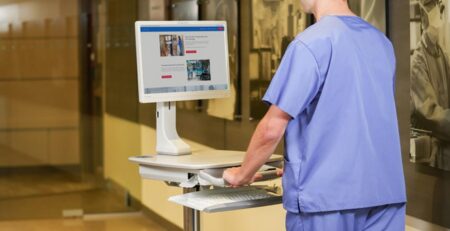
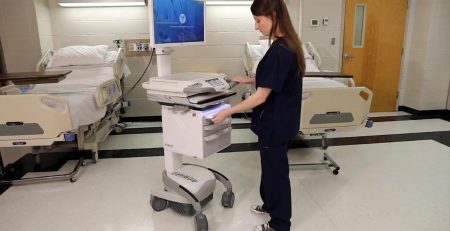
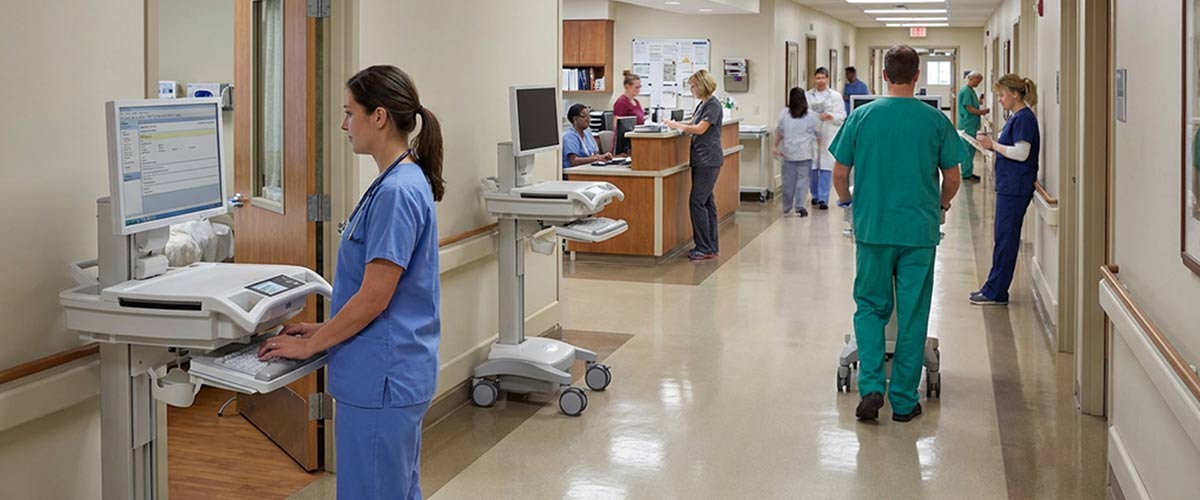
A Workstation on Wheels (WOW), sometimes called a Computer on Wheels (COW) or a Medical Computer Cart, is a mobile cart that gives nurses and healthcare professionals a portable workspace with a computer, monitor, keyboard, mouse, and often additional peripherals such as barcode scanners and medication dispensing systems. They allow nurses to access essential patient data, electronic health records (EHRs), and clinical applications. Typically, WOWs have large rechargeable batteries to power the computer and peripherals, keeping WOWs running throughout an entire shift 8-12 hour shift.
For a broader introduction to workstation designs and configurations, learn more about Workstations on Wheels. Or, shop and compare our WOW offerings from multiple manufacturers.
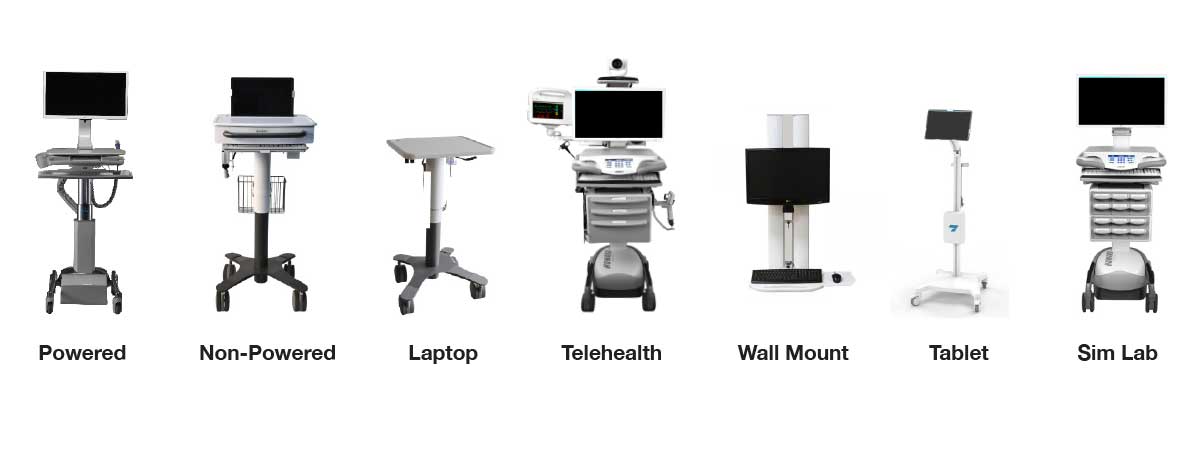
How Workstations on Wheels Shape Nursing Workflows
The right WOW depends on where it will be used, how often it will be used, what tasks nurses need to complete, and what technology needs to move with them. A workstation designed primarily for documentation may look very different from one supporting medication administration or virtual care.
Understanding the workflow first helps healthcare organizations determine which workstation design, power system, accessories, and configuration make the most sense at the point of care.
Point-of-Care Documentation and EHR Access
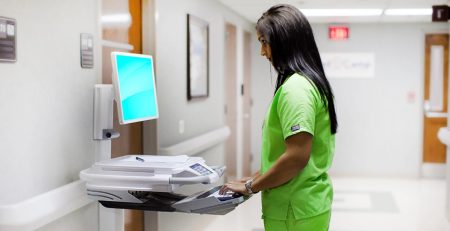
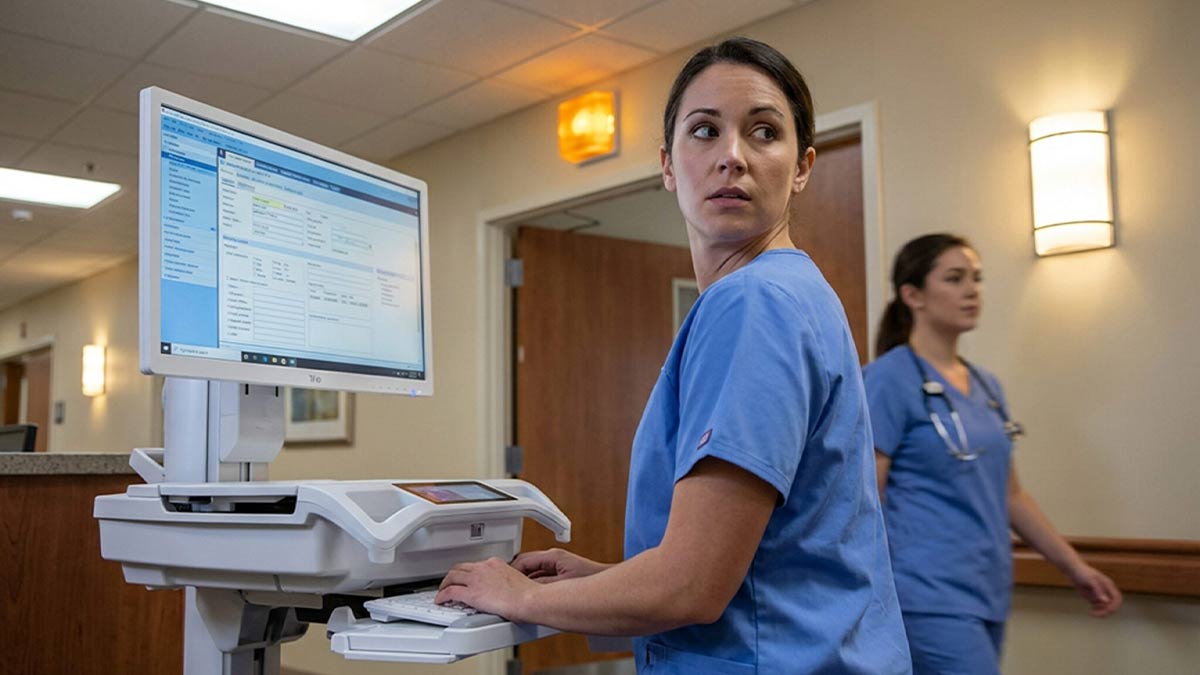
Mobile workstations give nurses access to patient information, electronic health records, and clinical applications without requiring repeated trips to a central nursing station.
Nurses can document assessments, interventions, and progress notes closer to the point of care, helping keep information accurate, current and accessible to other members of the care team.
For documentation-focused workflows, healthcare teams may prioritize mobility, battery runtime, monitor and keyboard ergonomics, barcode scanning, and a compact footprint that moves easily between patient rooms.
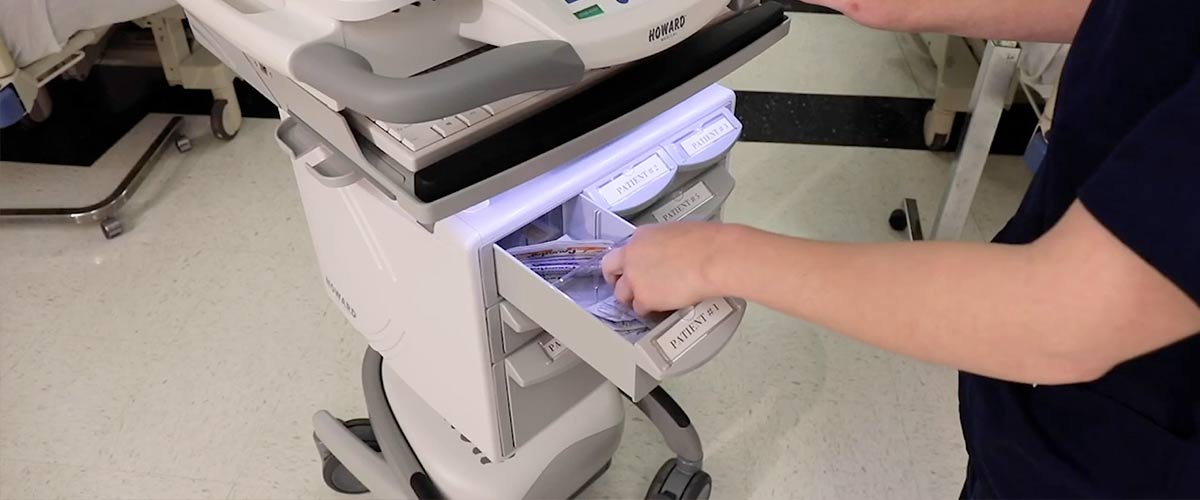
Medication Administration
Medication workflows introduce a different set of workstation requirements.
WOWs can be configured with barcode scanners, secure storage, and medication drawers to bring medication and documentation tools together at the bedside.
The appropriate configuration depends on the department’s workflow, storage requirements, technology, and security needs.
Mobility and Everyday Clinical Use
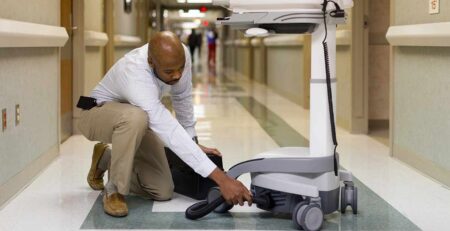
Nurses move constantly between patient rooms and clinical areas. A mobile workstation needs to move with them without becoming another obstacle in the workflow.
Cart footprint, maneuverability, wheel design, battery life, equipment placement, and access to frequently used peripherals can all affect how easily a workstation fits into everyday clinical use.
Bringing technology closer to the point of care can also reduce unnecessary trips between patient rooms and fixed workstations.
Ergonomics and Nurse Usability
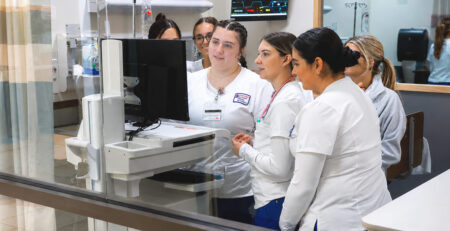
A workstation may be used by multiple clinicians throughout a shift, making adjustability and usability important considerations.
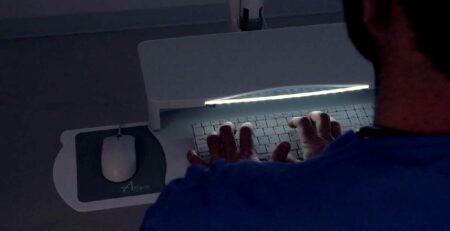
Height adjustment, monitor positioning, keyboard placement, handle location, equipment accessibility, and maneuverability can all influence how comfortably nurses interact with a workstation.
A 2023 study found that 77% of nurses experienced work-related musculoskeletal diseases, primarily impacting the lower back, neck, and shoulders.
Rather than treating ergonomics as an accessory, healthcare teams should consider how the entire workstation configuration fits the people using it and the tasks they perform.
Patient Interaction
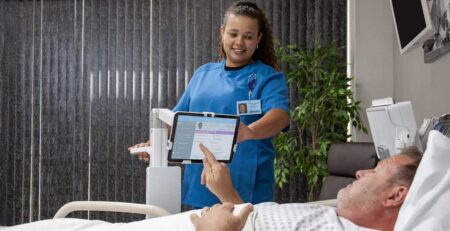
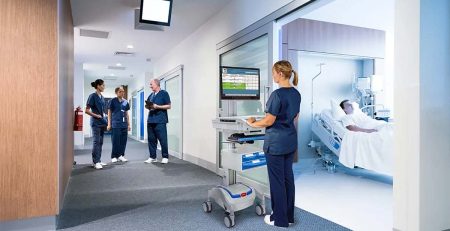
Mobile workstations allow nurses to access information and document care while remaining closer to the patient.
Depending on the workflow, nurses may use a WOW to review lab results, update charts, verify information, or discuss elements of the care plan at the bedside rather than moving back and forth to a stationary computer.
The workstation’s physical design matters here as well. Screen placement, footprint, maneuverability, and equipment positioning can influence how naturally technology fits into the patient interaction.
Telehealth and Specialized Workflows
Some nursing workflows require more than a traditional documentation workstation.
WOWs can also be configured for telehealth and other specialized applications using displays, cameras, speakers, diagnostic equipment, and additional technology.
These applications demonstrate why selecting a workstation based on workflow is more effective than treating every WOW as the same piece of equipment.
Considerations When Choosing a Workstation on Wheels
Before selecting or configuring a WOW, healthcare teams should consider:
- Workflow: What tasks will nurses perform using the workstation?
- Mobility: Where will the workstation travel, and what physical environments must it navigate?
- Power: How long does the workstation need to operate between charging cycles?
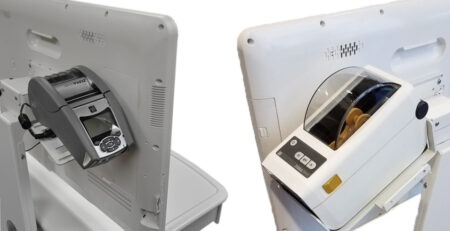
- Technology: What computers, displays, scanners, printers, or other devices need to be integrated?
- Storage: Does the workflow require medication, supply, or equipment storage?
- Ergonomics: Can the workstation adjust to different users and working positions?
- Cleaning: Are surfaces and components appropriate for the facility’s cleaning and infection prevention protocols?
Different Workflows Need Different Workstations
There is no single Workstation on Wheels configuration that is perfect for every nursing workflow.
A lightweight workstation used primarily for documentation has different requirements than a medication cart, telehealth workstation, or mobile platform carrying multiple peripherals. The right solution starts with understanding what nurses need to accomplish at the point of care and then configuring the technology around that workflow.
Convergint-IMS works with numerous workstation manufacturers and technologies to help healthcare organizations evaluate, configure, integrate, and support solutions around their specific clinical environments.
Explore our Workstations on Wheels and mobile computer workstation solutions.
Medical Equipment & Healthcare Solutions
Connect with Convergint-IMS to discuss your workstation requirements and point-of-care workflows for a free personalized consultation from our product experts.