6 Types of Medical Workstations
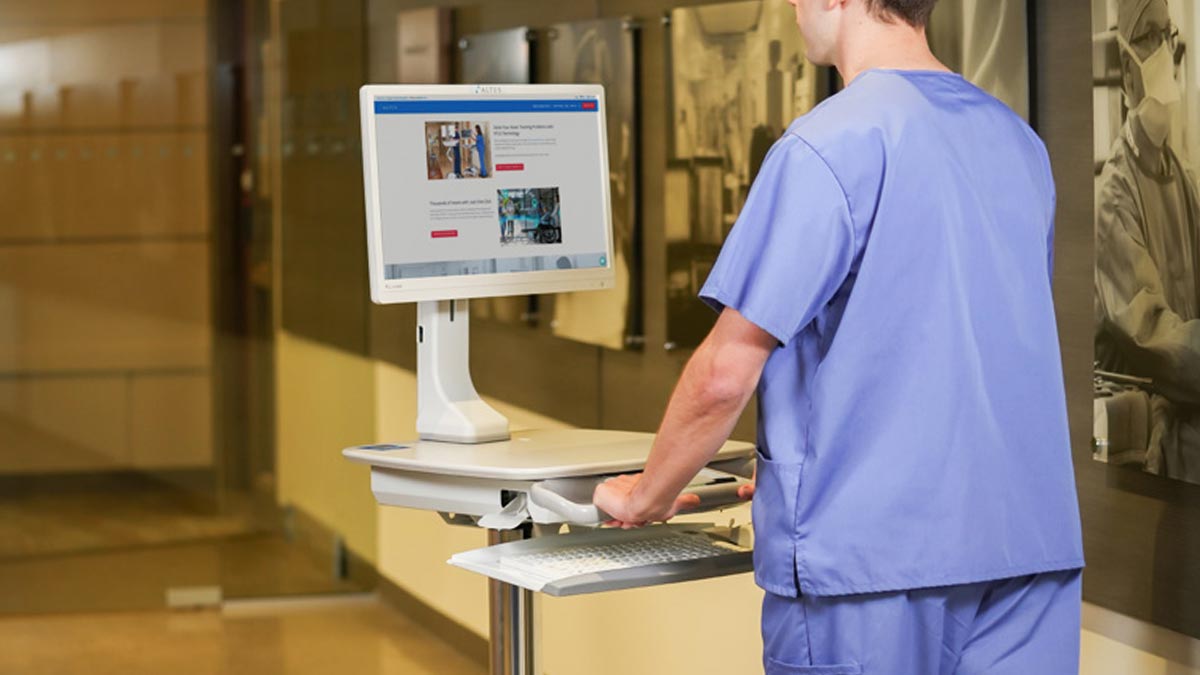
A medical workstation is a dedicated setup that gives clinicians access to computers, electronic health records, and other technology used throughout patient care. Medical workstations are available in a variety of designs to support different healthcare workflows, technologies, and clinical environments.
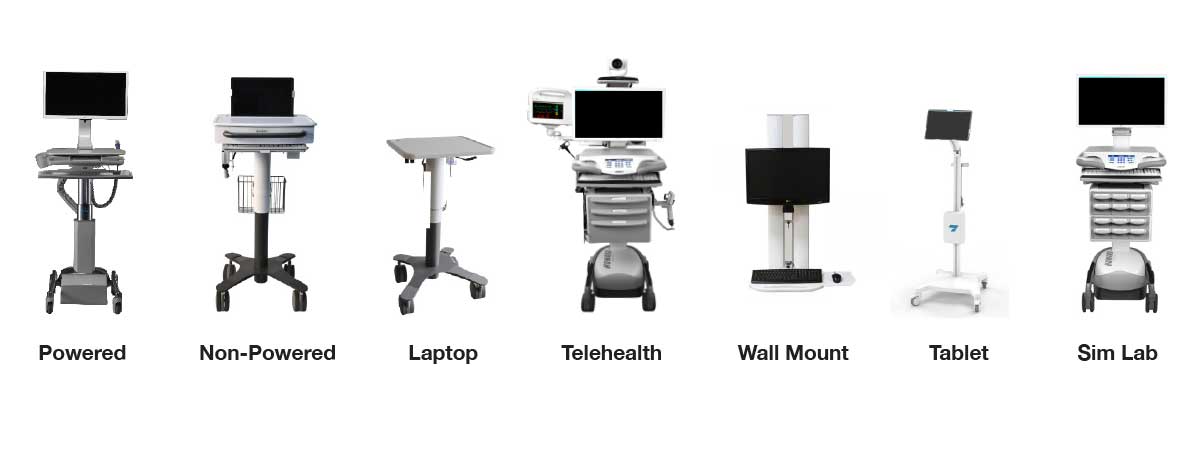
From powered Workstations on Wheels and lightweight laptop carts to telehealth carts, wall-mounted workstations, tablet carts, and traditional nurses station desktops, each configuration serves a different purpose.
Choosing the right medical workstation starts with understanding where it will be used, what technology it needs to support, and how clinicians will interact with it throughout the day. This guide provides a high-level overview of six common types of medical workstations used in hospitals and healthcare settings.
Types of Medical Workstations
1. Powered & Non-Powered Workstations on Wheels (WOWs):
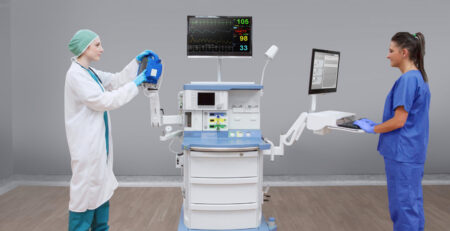
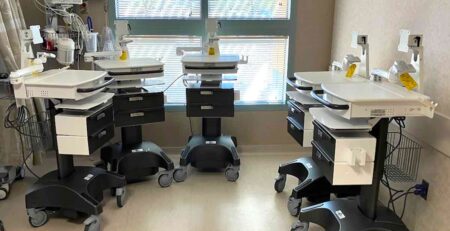
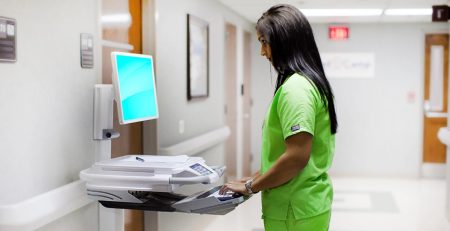
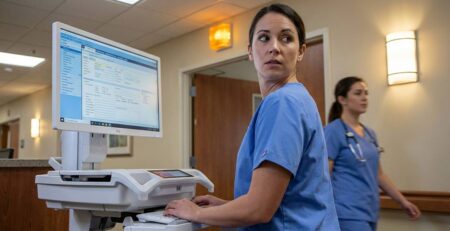
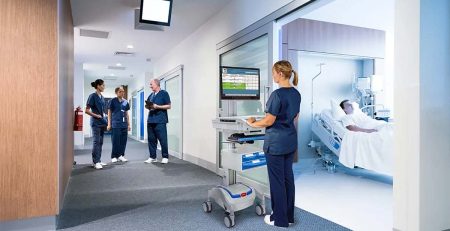
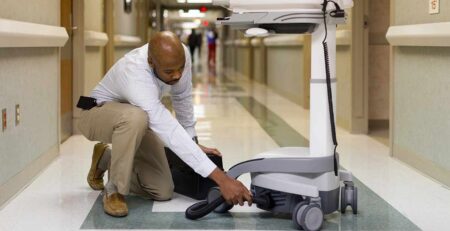
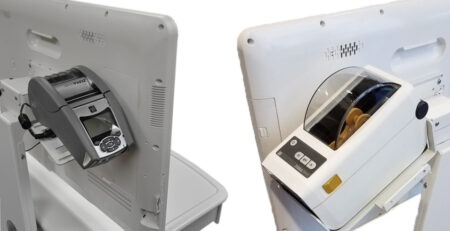
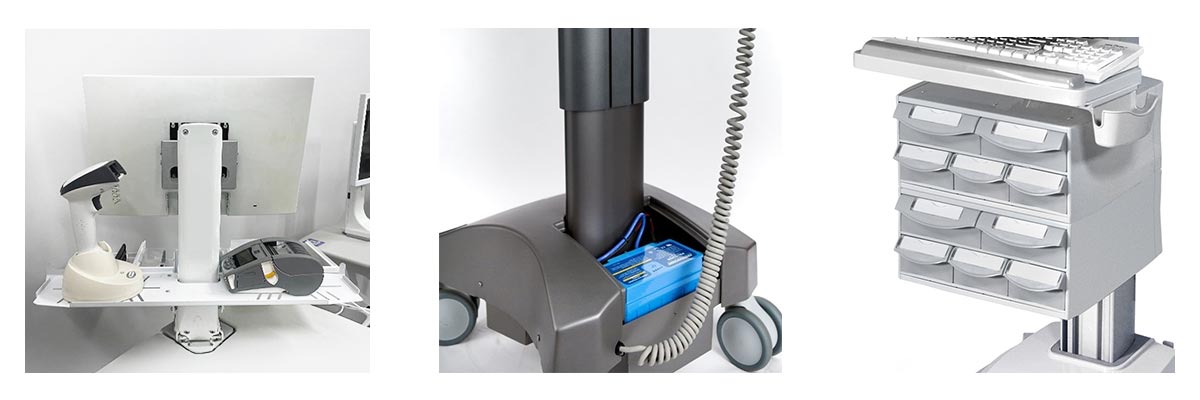
Workstations on Wheels are mobile computer carts that bring technology directly to the point of care. They can support EMR applications, medication workflows, real-time documentation, and other clinical tasks. Configurations typically accommodate displays up to 24″, PCs, laptops, thin clients, barcode scanners, label printers, and other peripherals.
WOWs are available in both powered and non-powered configurations. Powered carts provide onboard battery systems for extended mobile computing away from wall power, while lightweight non-powered options can support workflows that do not require continuous onboard power.
2. Laptop Carts for Mobile Documentation:
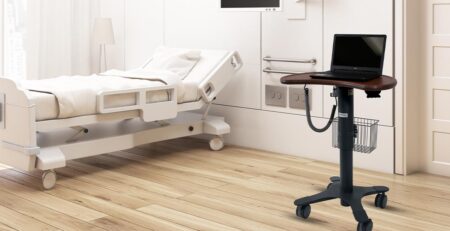
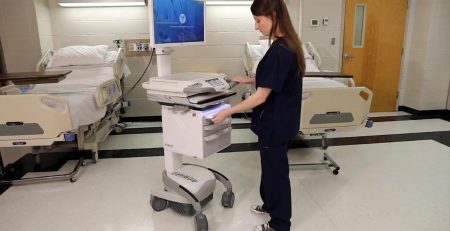
Laptop carts provide a lightweight mobile workstation for documentation and other clinical applications. They can support laptops or tablets and allow healthcare professionals to access and enter patient information as they move throughout the care environment. Powered configurations are also available when additional runtime or integrated technology is required.
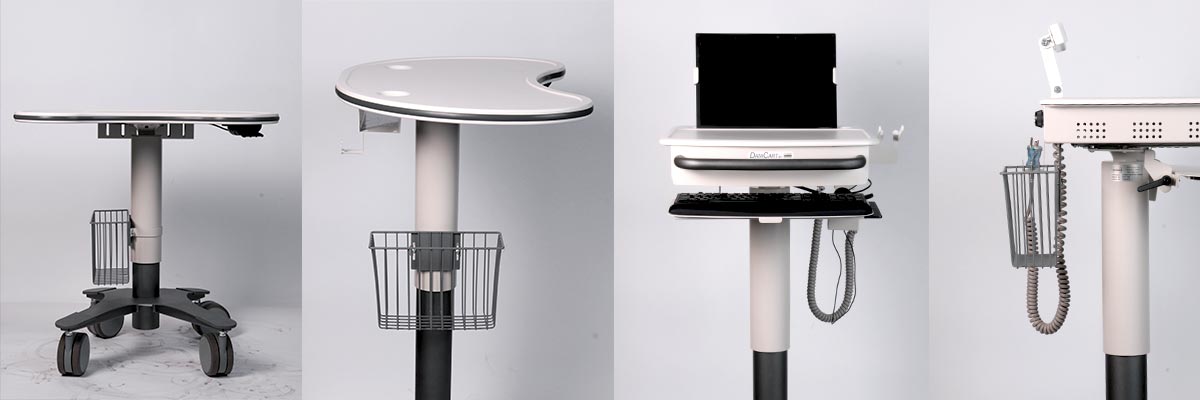
3. Telehealth Carts for Virtual Care:
Telehealth carts bring cameras, displays, audio equipment, computers, and other virtual care technology together on a mobile platform. Configurations can be tailored around the equipment and workflow required for remote consultations, virtual rounding, behavioral health, and other telehealth applications.
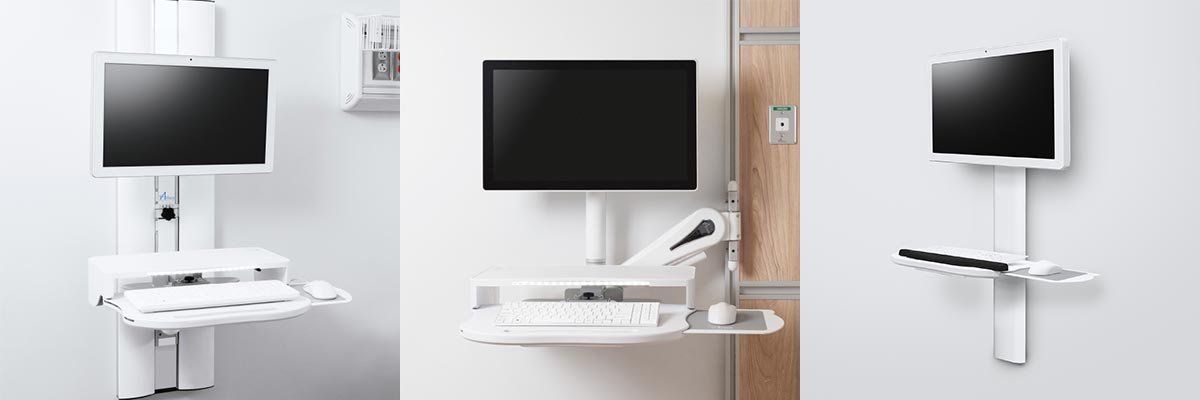
4. Wall Mounted Workstations for Space Optimization:
Wall-mounted medical workstations provide access to clinical technology without requiring a mobile cart or taking up valuable floor space. Different configurations can support computers, displays, keyboards, scanners, and other devices while keeping technology organized and accessible in patient rooms and other space-constrained environments.
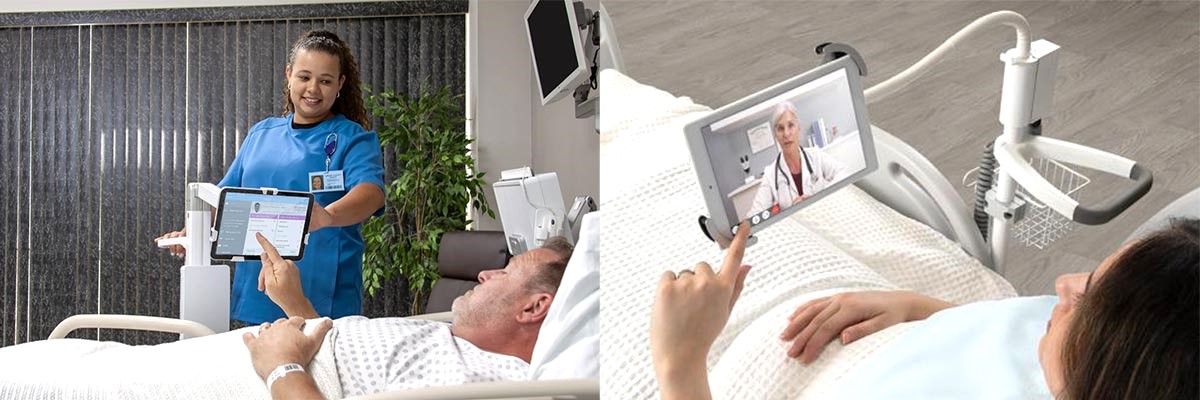
5. Tablet Carts for Patient Engagement:
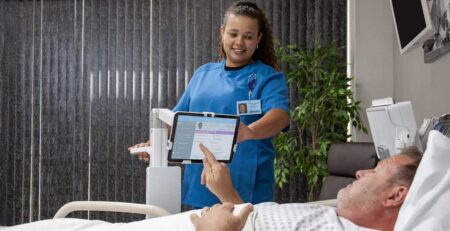
Tablet carts provide a compact mobile platform for applications such as patient engagement, telehealth, kiosks, documentation, and access to clinical information. Their smaller footprint makes them a flexible option when a full computer workstation is not required.
6. Nurses Station Desktop Workstations
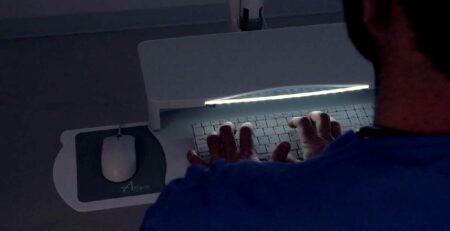
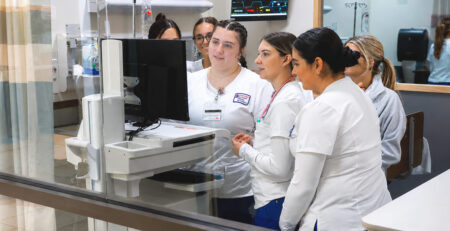
Not every clinical workflow requires a mobile or wall-mounted workstation. Nurses station desktops provide a simple, fixed setup for accessing EHRs, documenting patient information, reviewing clinical data, and completing other computer-based tasks from a central location.
A typical configuration may include a monitor, keyboard, mouse, and computer or thin client positioned at a desk or shared nurses station. These workstations can complement mobile point-of-care solutions by providing clinicians with a dedicated space for tasks that do not need to be completed at the bedside.
How to Choose the Right Type of Medical Workstation
The best workstation isn’t always the most obvious one. Different workflows may require different levels of mobility, power, technology integration, ergonomics, and equipment support.
Key considerations include:
- Workflow: What tasks will clinicians perform at the workstation?
- Technology: What computers, displays, scanners, printers, or other devices need to be supported?
- Power: Does the workflow require extended battery runtime or a non-powered configuration?
- Mobility and space: Does the workstation need to travel between rooms, remain in one location, or conserve floor space?
- Ergonomics: How will different clinicians interact with the workstation throughout the day?
- Durability and cleaning: What demands will the workstation face in its clinical environment?
- Support: What installation, integration, troubleshooting, and long-term service will be needed?
We start by understanding your workflow, technology, environment, and clinical goals before recommending a solution. Drawing from tested, industry-leading products across multiple manufacturers, we evaluate and configure medical workstations around your requirements.
Finding the Right Type of Medical Workstation for Your Facility
Looking specifically for mobile computer carts? Explore our Medical Computer Carts to compare workstation platforms and configurations, or contact us for a no-commitment virtual demonstration.