The Decision Maker’s Guide to Medical Laptop Carts
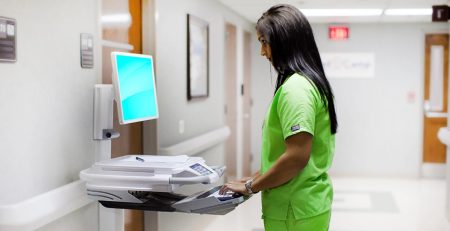
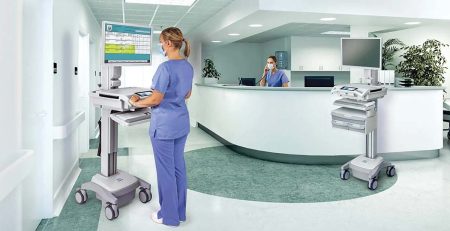
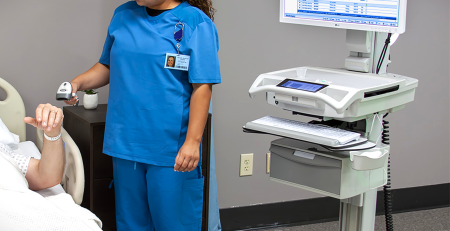
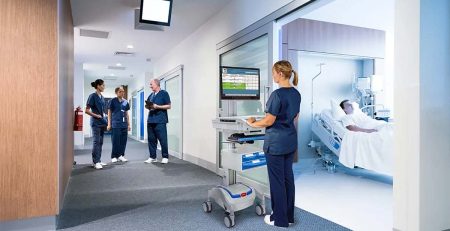
With many different types of laptop carts available, it is important to understand which features best support clinical workflows, caregiver comfort, and long-term value. Medical laptop carts support clinicians throughout their entire day as they move between patient rooms, nursing stations, and care areas.
The guide below outlines 9 key feature considerations to help answer a common question in healthcare facilities: how do you select the best medical laptop cart for your care area’s workflow? For an easy-to-use summary, download the PDF version of this blog to access a condensed decision-making worksheet designed to simplify the evaluation process.
#1: Security / Locking Requirements
Healthcare environments require careful consideration of equipment security and patient privacy. Ask whether the laptop needs to be secured to the cart and whether the cart may be left unattended in hallways, patient rooms, or shared clinical spaces. Locking mounts and secure enclosures can help protect devices and support HIPAA compliance, particularly in high-traffic areas.
#2: Power Needs
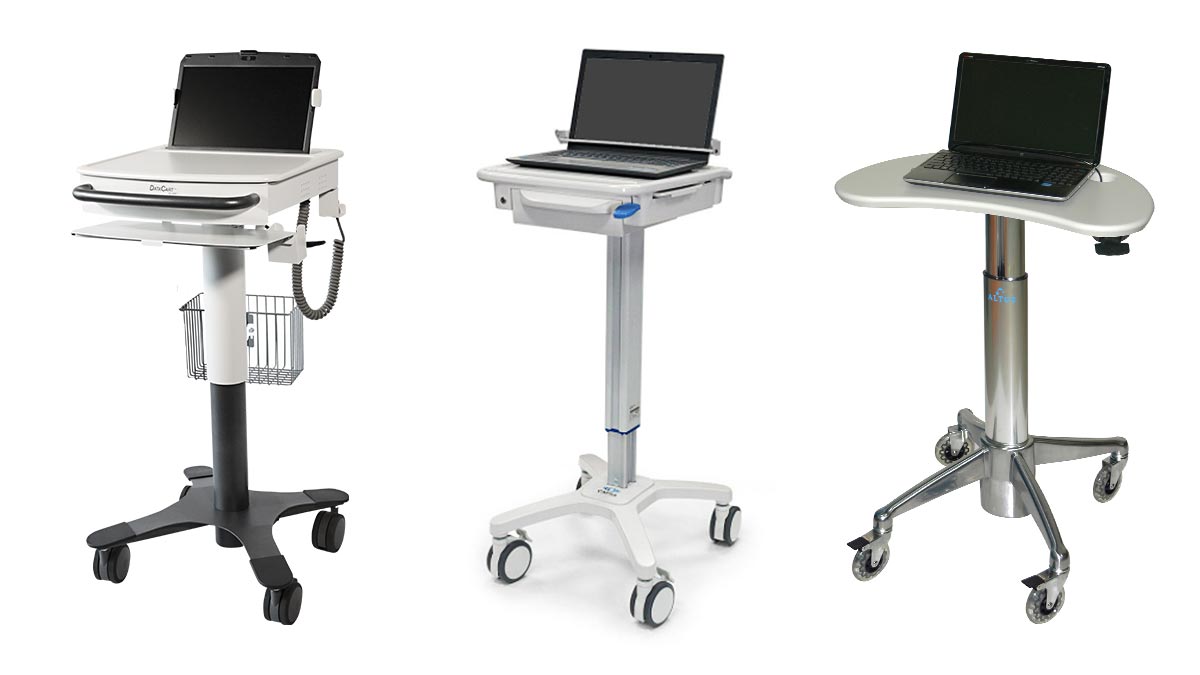
In healthcare settings, uninterrupted access to technology is essential. Some medical laptop carts are available with universal power supplies that provide 8 to 12 hours of additional battery life. However, this level of power is usually unnecessary for laptop-based workflows. Since laptops have built-in batteries and caregivers often have opportunities to plug in between rounds, additional onboard power can add unnecessary weight and cost. Evaluating clinician mobility and access to outlets will help determine if extra power is truly required.
#3: Work Surface Size
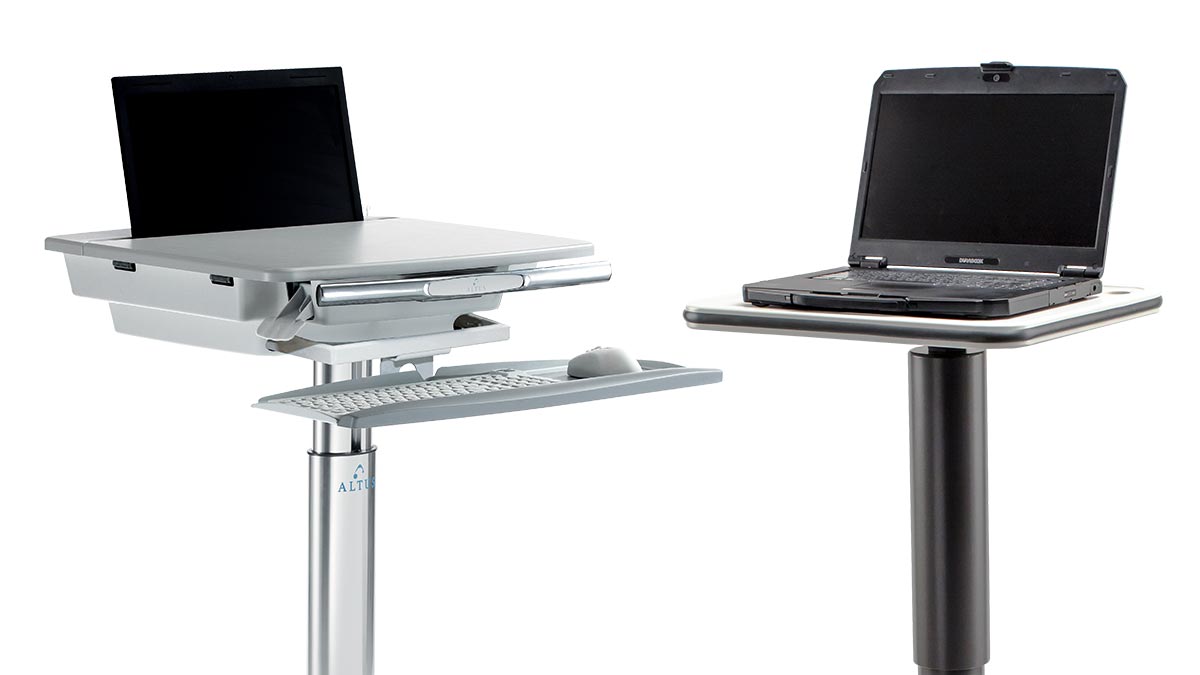
The size of the work surface plays a key role in how clinicians interact with medical laptop carts throughout their shift. Consider whether users need space beyond the laptop itself for tasks such as paper documentation, medication preparation, or peripheral use. Some workflows don’t require any work surface area on the mobile cart, while others benefit from additional space to support multitasking at the point of care. Selecting the appropriate work surface size helps ensure clinicians can work efficiently, improving both usability and overall workflow.
#4: Aesthetics in Patient-Facing Areas
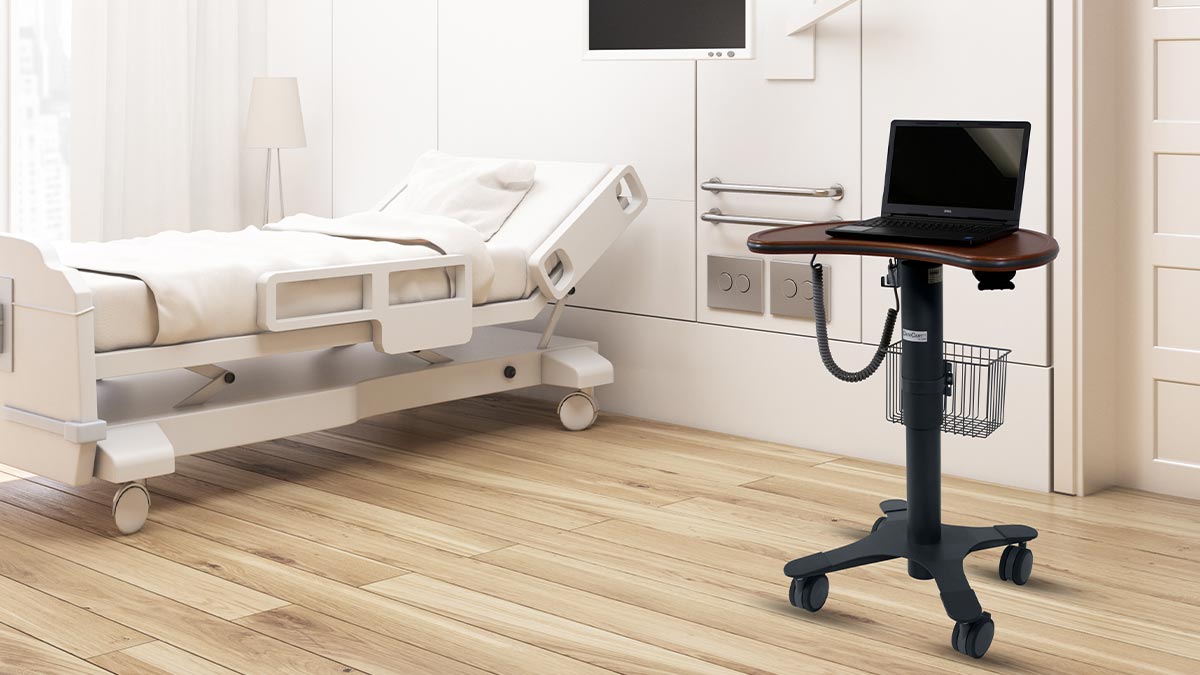
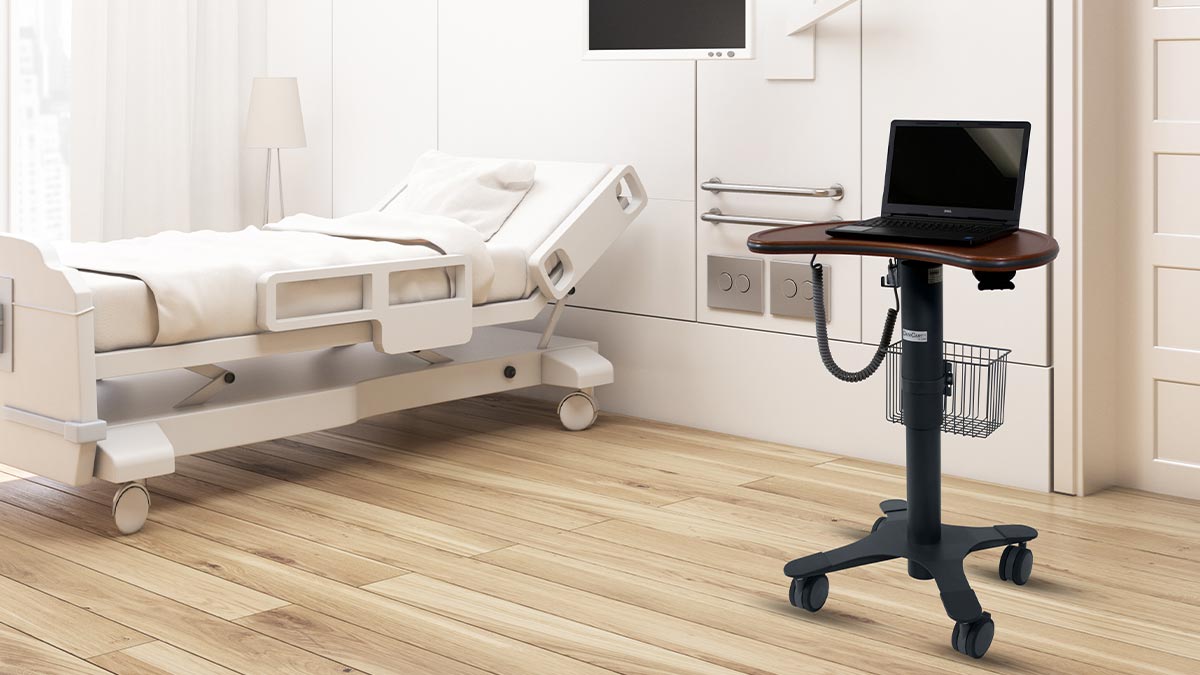
While functionality is critical, appearance also matters in healthcare settings. In patient-facing environments, carts with laminate or woodgrain finishes can create a warmer, less clinical atmosphere. Some facilities find that investing in a more refined aesthetic supports patient comfort and aligns with overall facility design standards.
#5: Height Adjustment Range for Clinician Comfort
Medical laptop carts are used by clinicians of varying heights throughout long shifts. If taller users have previously reported limitations with sit-to-stand height adjustment, this feature should be carefully evaluated. While all laptop carts have sit-to-stand height adjustment, an extra wide height adjustment range supports proper posture, reduces fatigue, and helps prevent musculoskeletal strain over time.
#6: Edge Protection
Busy healthcare environments increase the likelihood of carts being bumped into doorways, walls, and other equipment. Edgeguard bumpers can help protect carts, walls, and doors from damage. This added protection can reduce maintenance costs and extend the lifespan of medical laptop carts.
#7: Keyboard Tray Ergonomics
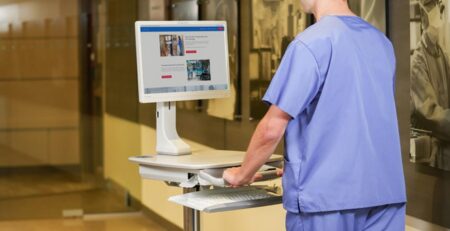
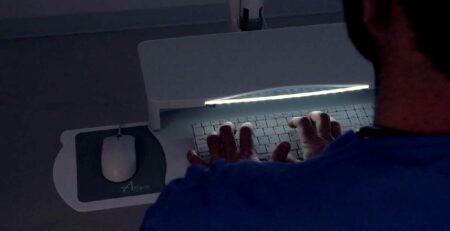
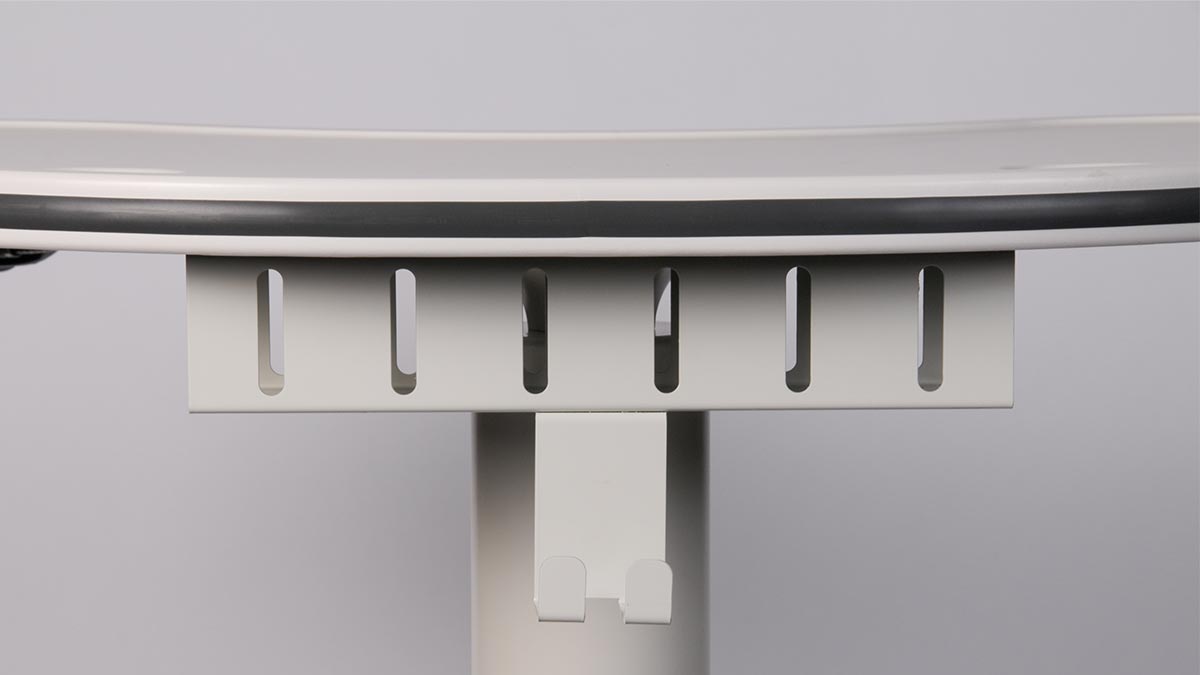
Ergonomics are especially important in clinical documentation workflows. The ability to use an external keyboard tray and mouse can help reduce neck and shoulder strain during charting. For clinicians who spend significant time entering data into the EMR, ergonomic keyboard and mouse support can improve comfort and efficiency.
#8: Cable Management
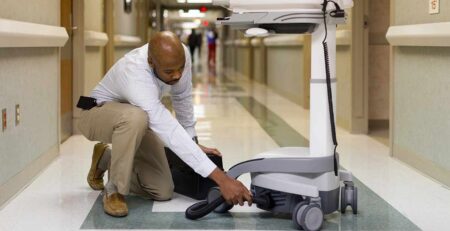
Frequent plugging and unplugging is common in hospitals and clinics. Effective , such as integrated cable boxes and external power cords, helps keep cords organized and out of the way. This reduces trip hazards and allows clinicians to quickly connect to power without interrupting patient care.
#9: Storage and Accessory Mounting
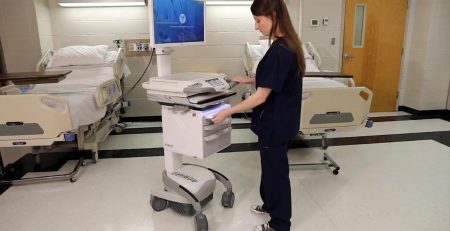
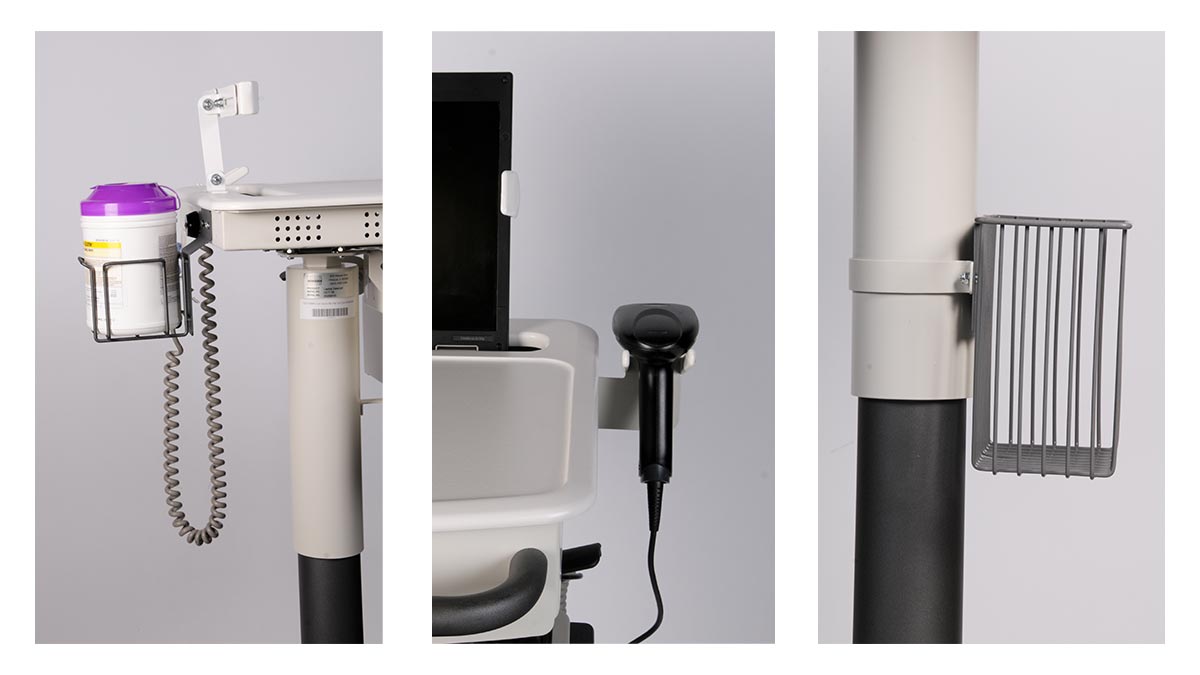
Medical laptop carts often need to support more than just a laptop. Consider whether clinicians need storage for items such as barcode scanners, disinfectant wipes, or other clinical tools. Baskets, drawers, and dedicated mounting options can transform a basic cart into a fully functional mobile workstation tailored to specific care workflows.
Return on Investment
Choosing the right medical laptop cart requires balancing clinical workflow needs, user comfort, and facility constraints. Thoughtful cart selection improves return on investment by reducing device damage, minimizing long-term cart alterations and accessory costs, and extending product lifecycles through higher caregiver satisfaction. When carts are well matched to clinical use, improved ergonomics and workflow efficiency allow caregivers to focus more time on patient care rather than equipment limitations.
Laptop Cart Options at Convergint-Innovative Medical
At -Innovative Medical, we offer a broad portfolio of medical laptop carts designed to meet virtually any combination of clinical, ergonomic, and workflow needs. Using the considerations outlined in this guide, our team helps healthcare organizations select the right medical laptop cart solution to support caregiver comfort, satisfaction, and long-term value. By partnering with dozens of trusted manufacturers, we provide access to an array of proven cart designs, configurations, and accessories that offer long-term value and durability. Contact us today to schedule a virtual demo and find the best solution for your workflow.